🎮 INDIA’S GAMING COMMUNITY
Follow the latest Indian gaming news, game reviews and gaming guides from PC, console and mobile gaming – all in one place.
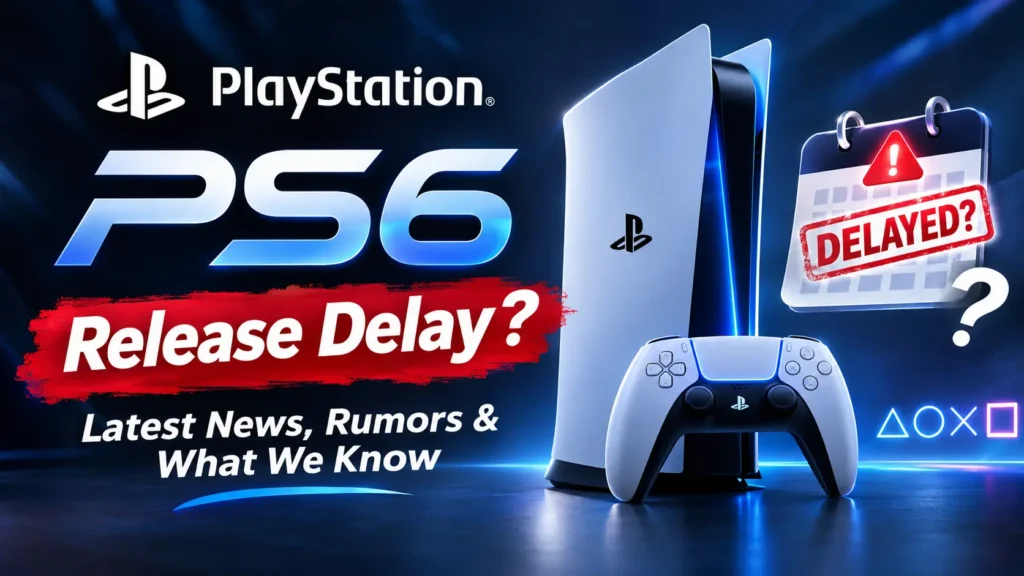
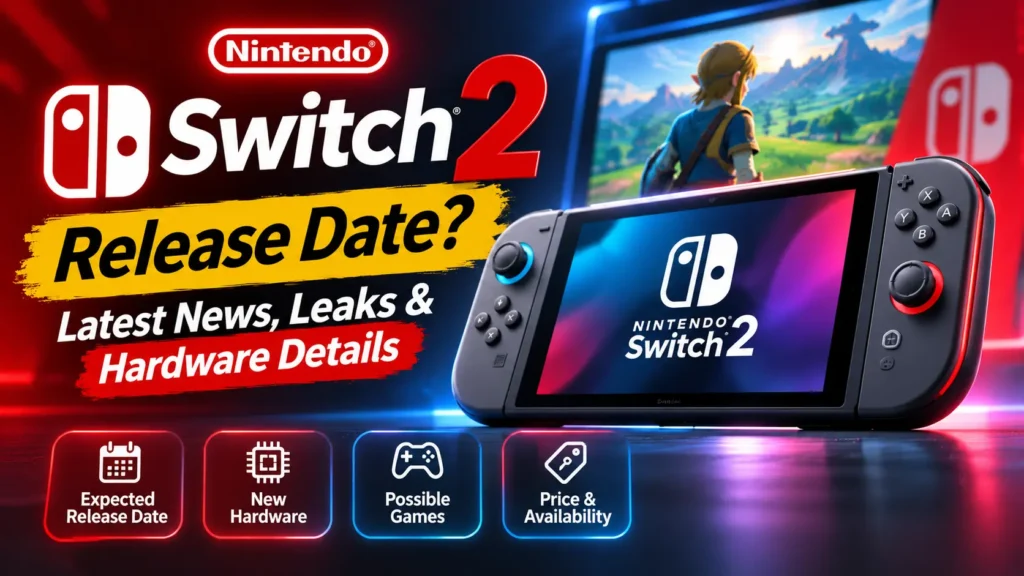
GamingDon brings you Indian gaming news that matters to gamers – from PlayStation 6 and Nintendo Switch 2 updates to GTA 6, Red Dead Redemption and the latest PC, console and mobile gaming releases. Whether you play on a gaming PC, PS5 or your smartphone, you get the latest gaming news India in one place.
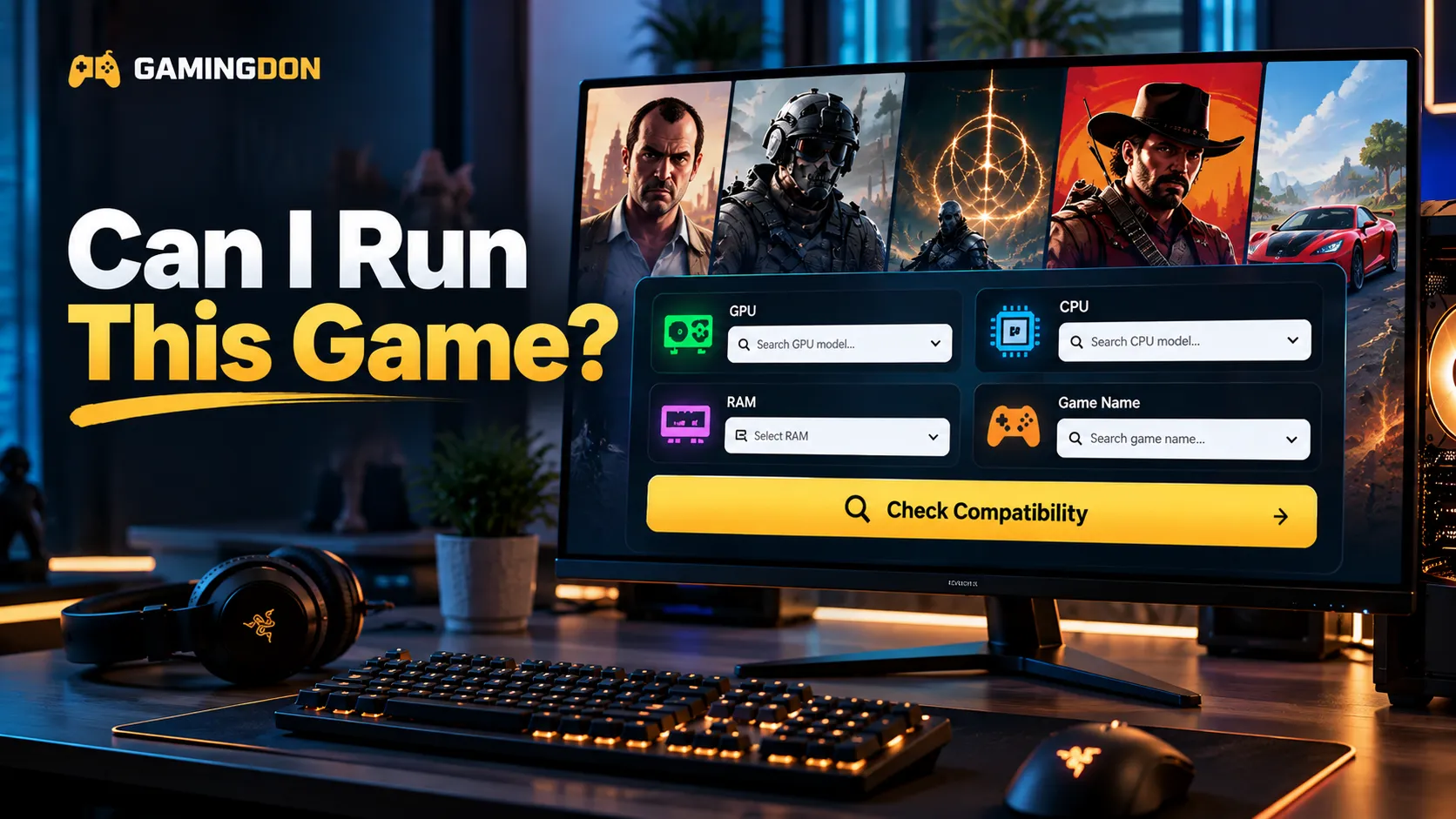
Beyond news, we publish clear game reviews, practical gaming guides and budget gaming PC builds. You can also use our free Can I Run This Game tool to check whether your PC can handle a title before you buy it.
Upgrade your gaming setup with gaming accessories, gamer gear and setup essentials from HURRAY GAMER Store.
Pick your GPU, CPU and RAM, choose a game and get a clear verdict from 720p to 4K. You also see which part is holding your PC back and what to upgrade first. Try our free Can I Run This Game checker – no download, no account.
Tap a game to see a sample result:
Sample PC: GTX 1660 Super, Ryzen 5 3600, 16 GB RAM
Sample only. Results are estimates, not FPS benchmarks.
Check this game on my PCLooking for gaming updates, PC tips or help with gaming hardware? Find clear answers to common questions from GamingDon.
Visit GamingDon’s Gaming Blogs for gaming news, game announcements, release updates and stories relevant to players in India. We also cover major international gaming developments, so you can keep up with the games and platforms you follow.
GamingDon publishes articles about PC, PlayStation, Xbox, Nintendo and mobile gaming. You can explore gaming news, game reviews, guides, tips and explainers, including topics such as artificial intelligence in gaming.
Browse the GamingDon Game Reviews section for game-focused articles and reviews. You can also visit Gaming Blogs for news, updates, guides and other gaming content.
Try our Can I Run This Game? tool. Select your processor, graphics card and RAM, then choose a game to compare your PC with its available system requirements. The tool is designed for PC compatibility checks.
The PC compatibility checker is available to use without downloading a separate application. Its result is an estimate based on hardware and game requirements, not a live benchmark. Actual FPS can vary with resolution, graphics settings, drivers, background apps and other system components.
Use the HurrayGamer PC Bottleneck Calculator to explore a potential CPU and GPU bottleneck. Treat the result as a general indication rather than a guaranteed measurement of performance, because bottlenecks can change with the game, resolution and settings.
Visit the HurrayGamer store to explore PC gaming accessories and gear for your setup. HurrayGamer is a separate store from GamingDon, focused on gaming accessories.
Start with the games you want to play, your target resolution and your total budget. Compare the recommended system requirements for those games, then check component compatibility before buying. You can use the Can I Run This Game? tool to help assess an existing PC, or the PC Bottleneck Calculator to explore a possible CPU–GPU mismatch.